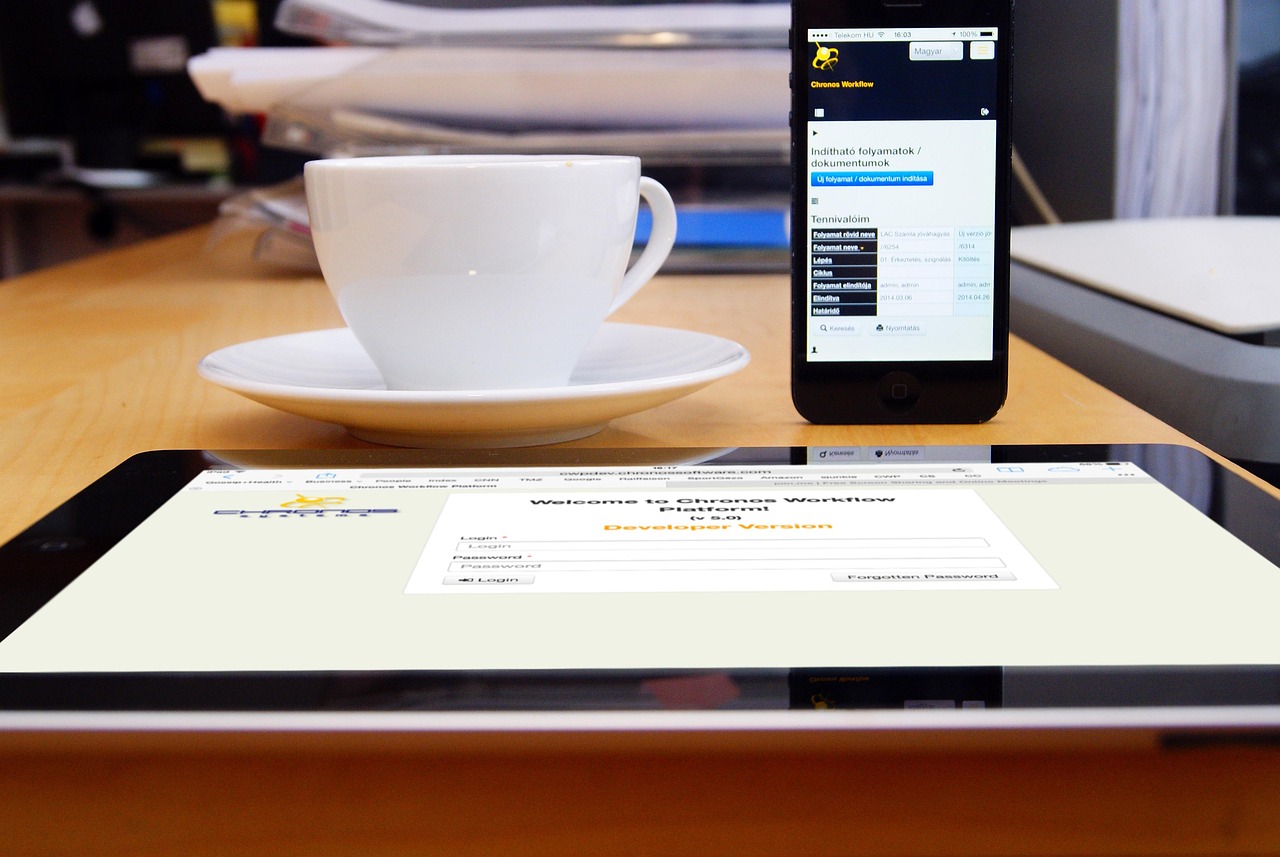
Workflow automation is gaining attention right now because it has the potential to significantly improve efficiency and productivity in businesses. By automating repetitive and mundane tasks, companies can free up resources and focus on more strategic initiatives. For instance, a study by McKinsey found that automating just 30% of business processes can lead to a 20-30% reduction in costs. Choosing the right approach to workflow automation matters because it can make all the difference in achieving these benefits. With so many options available, it’s essential to carefully evaluate and select the tools and methods that best fit a company’s specific needs. As companies like Amazon and Google have already demonstrated, workflow automation can be a key driver of success.
📝 Contents
Breaking Down Workflow Automation
Before comparing options, it’s essential to understand what workflow automation entails. At its core, workflow automation involves using software tools to automate and streamline business processes, from simple tasks like data entry to complex workflows like supply chain management. To evaluate different options, companies need to consider key metrics such as ease of use, integration capabilities, scalability, and cost. For example, a company like Siemens, with its complex global supply chain, needs automation tools that can handle high volumes of data and integrate with various systems.
A closer look at the key metrics to evaluate reveals the complexity of choosing the right workflow automation tools. The following table highlights some of the critical factors to consider:
| Metric | Description | Importance |
|---|---|---|
| Ease of Use | How user-friendly the tool is. | High |
| Integration Capabilities | Ability to integrate with other systems and tools. | Medium |
| Scalability | Ability to handle increased workload and growth. | High |
| Cost | Total cost of ownership and operation. | Medium |
Leading Workflow Automation Solutions
Option 1: Zapier
Zapier is a popular workflow automation tool that allows users to connect different web applications and automate tasks. With its user-friendly interface and extensive library of integrations, Zapier is an excellent choice for small to medium-sized businesses. Zapier’s automation capabilities are robust, allowing for complex workflows to be created with ease.
- Plus Points:
- Easy to use and set up.
- Extensive library of integrations with popular apps.
- Affordable pricing plans.
- Drawbacks: take a look at this
- Limited advanced features for complex workflows.
- Dependent on the quality of integrated apps.
Zapier is best for small businesses and entrepreneurs looking for a straightforward workflow automation solution. straightforward workflow automation
Option 2: Microsoft Power Automate
Microsoft Power Automate, formerly known as Microsoft Flow, is a powerful workflow automation tool that integrates seamlessly with Microsoft products. It offers advanced features like conditional logic and approvals, making it suitable for larger enterprises. Power Automate’s integration with Microsoft Teams and SharePoint enhances collaboration and workflow management. Microsoft Power Automate
- Plus Points: Plus Points
- Tight integration with Microsoft ecosystem.
- Advanced features for complex workflows.
- Robust security and compliance features.
- Drawbacks:
- Steep learning curve for non-Microsoft users.
- Costly for small businesses or individual users.
Microsoft Power Automate is best for medium to large-sized businesses already invested in the Microsoft ecosystem.
Option 3: Automation Anywhere
Automation Anywhere is a comprehensive automation platform that offers robotic process automation (RPA), artificial intelligence (AI), and machine learning (ML) capabilities. It’s designed for large enterprises looking to automate complex business processes. Automation Anywhere’s ability to automate tasks across multiple systems and applications makes it a powerful tool for digital transformation.
- Plus Points:
- Advanced RPA, AI, and ML capabilities.
- Scalable and secure architecture.
- Comprehensive analytics and reporting.
- Drawbacks: get the details here
- High upfront costs and resource requirements.
- Complex implementation and maintenance.
Automation Anywhere is best for large enterprises with complex automation needs and significant IT resources. complex automation needs
Option 4: Nintex
Nintex is a workflow automation platform that offers a range of tools for automating, analyzing, and optimizing business processes. It’s known for its ease of use and flexibility, making it suitable for businesses of all sizes. Nintex’s workflow designer allows for the creation of custom workflows without extensive coding knowledge. workflow automation platform
- Plus Points: Plus Points
- User-friendly interface and workflow designer.
- Flexible and customizable workflow automation.
- Integration with various systems and applications.
- Drawbacks:
- Limited advanced features compared to other platforms.
- Cost can add up with additional features and users.
Nintex is best for businesses looking for a flexible and easy-to-use workflow automation solution.
Option 5: Kissflow
Kissflow is a digital workplace platform that offers a range of tools for workflow automation, project management, and team collaboration. It’s designed for medium to large-sized businesses looking for an all-in-one solution. Kissflow’s low-code approach to workflow automation makes it accessible to non-technical users.
- Plus Points:
- Low-code workflow automation and development.
- Comprehensive project management and collaboration tools.
- Customizable and scalable architecture.
- Drawbacks: learn how this works
- Can be overwhelming for small teams or simple workflows.
- Customer support can be inconsistent.
Kissflow is best for medium to large-sized businesses seeking an integrated digital workplace solution. largesized businesses seeking
| Option | Best For | Difficulty | Cost | Speed |
|---|---|---|---|---|
| Zapier | Small Businesses | Easy | Low-Medium | Fast |
| Microsoft Power Automate | Medium-Large Businesses | Medium | Medium-High | Medium |
| Automation Anywhere | Large Enterprises | Hard | High | Slow |
| Nintex | All Sizes | Easy-Medium | Medium | Medium |
| Kissflow | Medium-Large Businesses | Medium | Medium-High | Medium |
How to Choose the Right One
Choosing the right workflow automation tool involves considering several key decision factors. First, businesses need to assess their specific needs and identify the processes they want to automate. This includes evaluating the complexity of the workflows, the number of users, and the required features. For example, if a company needs to automate simple tasks like data entry, a tool like Zapier might be sufficient. However, for more complex workflows involving multiple systems and conditional logic, a more advanced platform like Microsoft Power Automate or Automation Anywhere might be necessary.
Another crucial factor is integration capability. Businesses should consider whether the tool can integrate with their existing systems and applications. This is particularly important for companies with a wide range of software tools and platforms. The ability to integrate with these systems seamlessly can significantly impact the success of the workflow automation project. Furthermore, scalability is also a critical consideration. As businesses grow, their workflow automation needs may change, and the chosen tool should be able to adapt to these changes without requiring significant reconfiguration or additional investment.
In addition to these technical considerations, businesses should also think about cost and return on investment (ROI). The total cost of ownership, including licensing fees, implementation costs, and ongoing maintenance, should be weighed against the expected benefits of automation, such as increased productivity, reduced errors, and improved efficiency. It’s also important to consider the ease of use and user adoption. The chosen tool should be intuitive and easy to use, minimizing the need for extensive training and ensuring that users adopt the new workflows without resistance. these technical considerations
Lastly, security and compliance are critical aspects that cannot be overlooked. Businesses must ensure that the workflow automation tool they choose meets all relevant security and compliance standards, protecting sensitive data and preventing potential breaches. This includes evaluating the tool’s data encryption methods, access controls, and auditing capabilities. By considering these factors, businesses can make an informed decision and select the workflow automation tool that best aligns with their needs and goals. overlooked Businesses must
Practical Takeaways
One of the primary benefits of workflow automation is increased efficiency. By automating repetitive and mundane tasks, businesses can free up resources and focus on more strategic initiatives. For instance, automating data entry tasks can save hours of manual labor, which can then be redirected towards more critical tasks like sales, marketing, or product development. mundane tasks businesses
Another significant advantage is improved accuracy. Automated workflows can significantly reduce the likelihood of human error, which can lead to costly mistakes and reputational damage. This is particularly important in industries like finance, healthcare, and manufacturing, where accuracy is paramount. By automating workflows, businesses can ensure that tasks are completed correctly and consistently, every time. Another significant advantage
Workflow automation also enhances collaboration. By streamlining workflows and automating tasks, teams can work more efficiently together, sharing information and completing tasks in a coordinated manner. This can lead to improved communication, reduced misunderstandings, and a more cohesive team environment. For example, marketing and sales teams can work together more effectively by automating the lead qualification process, ensuring that leads are properly routed and followed up on in a timely manner. Workflow automation also
In addition to these benefits, workflow automation can also improve customer experience. By automating routine tasks and workflows, businesses can respond more quickly to customer inquiries and requests, improving satisfaction and loyalty. This can be particularly important in customer-facing industries like retail, hospitality, and healthcare, where timely and effective service is critical to building strong customer relationships. these benefits workflow
Furthermore, workflow automation can reduce costs. By minimizing manual labor and reducing the need for human intervention, businesses can save money on labor costs, overhead, and other expenses. This can be particularly beneficial for small businesses or startups, where resources are limited, and every dollar counts. For instance, automating accounting and bookkeeping tasks can save thousands of dollars in labor costs each year. Furthermore workflow automation
Lastly, workflow automation can drive innovation. By freeing up resources and streamlining workflows, businesses can focus on more strategic and innovative initiatives, driving growth and competitiveness in their respective markets. This can involve investing in research and development, exploring new markets or products, or developing new business models. For example, a company like Amazon can focus on developing new technologies like drone delivery or artificial intelligence, thanks to the efficiency gains from workflow automation.
The Big Picture
In summary, workflow automation is a critical component of modern business operations, offering numerous benefits, from increased efficiency and improved accuracy to enhanced collaboration and reduced costs. By understanding the key decision factors and carefully evaluating different options, businesses can choose the right workflow automation tool for their specific needs, driving innovation, growth, and success in today’s competitive market. Ultimately, the goal of workflow automation is to create a more streamlined, efficient, and effective organization, capable of responding to changing market conditions and customer needs.
As businesses continue to evolve and grow, the importance of workflow automation will only continue to increase, making it essential for companies to stay ahead of the curve and invest in the right tools and technologies. By doing so, they can find the full potential of their organizations, drive innovation, and achieve long-term success. Whether it’s through Zapier, Microsoft Power Automate, Automation Anywhere, Nintex, or Kissflow, the right workflow automation tool can be a powerful catalyst for business transformation and growth.
To wrap up, the choice of workflow automation tool is not a trivial matter; it requires careful consideration of numerous factors, from technical capabilities and integration requirements to cost, scalability, and user adoption. However, by making an informed decision and selecting the right tool for their needs, businesses can reap the rewards of workflow automation, streamline their operations, and thrive in an increasingly competitive and dynamic market.


Leave a Reply