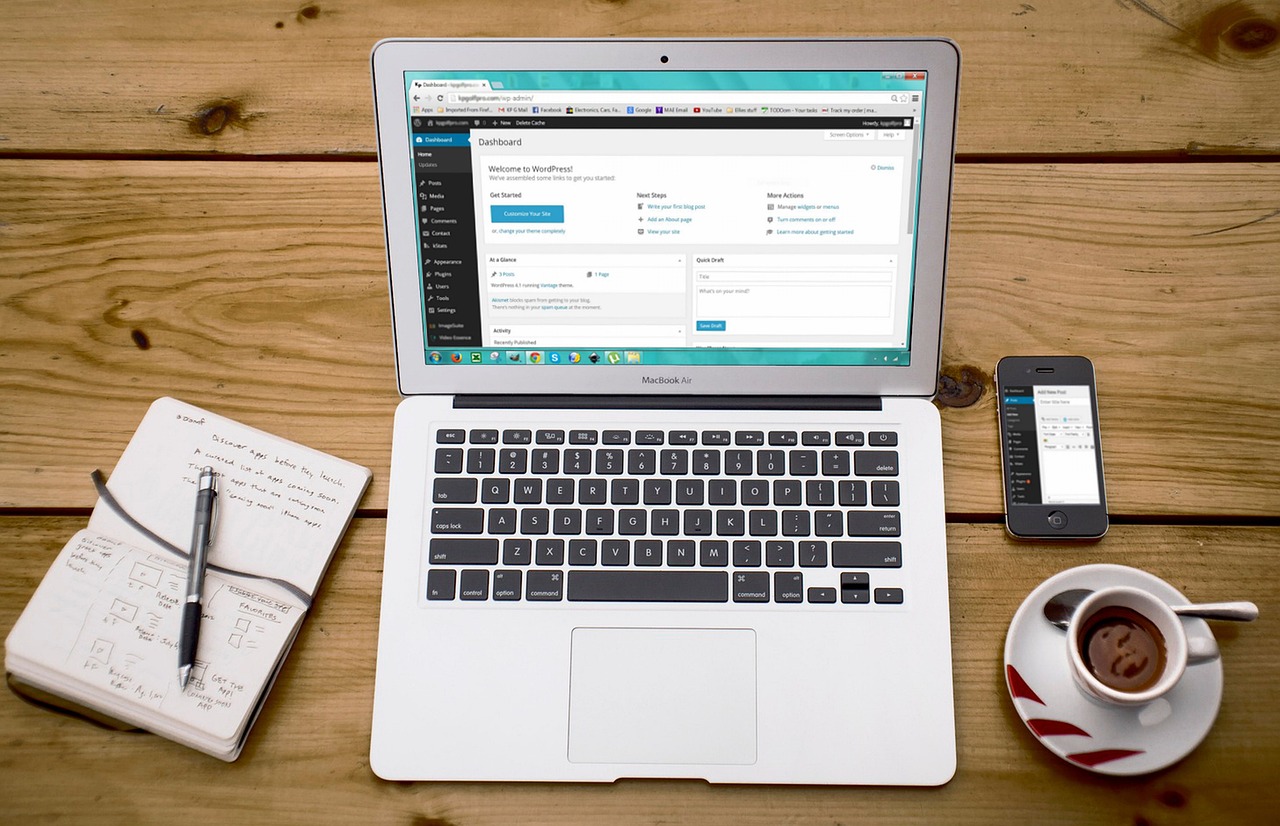
A few years ago, creating a professional-looking website required extensive coding knowledge and a significant budget. However, with the advent of website builders like Webflow and WordPress, the landscape has changed dramatically. Today, individuals and businesses can create stunning websites without breaking the bank or needing to learn how to code. But when it comes to Webflow vs WordPress, which platform is best for beginners? Let’s explore this question in depth.
Before the rise of these platforms, building a website was a daunting task that often involved hiring a web developer. The process was time-consuming, expensive, and required a lot of technical expertise. But now, with Webflow and WordPress, users can design, build, and launch their websites quickly and efficiently. Here’s the key thing to understand: both platforms have their strengths and weaknesses, and the choice between them depends on the specific needs of the user.
The decision to use Webflow or WordPress depends on several factors, including the type of website, the level of design flexibility required, and the ease of use. Most people miss the fact that while WordPress is renowned for its content management capabilities, Webflow excels in providing a high degree of design flexibility. On the other hand, WordPress has a vast community and a wide range of plugins that can extend its functionality. Understanding these differences is crucial for making an informed decision.
As the web continues to evolve, the demand for user-friendly and versatile website builders is on the rise. Both Webflow and WordPress have been at the forefront of this trend, offering solutions that cater to a wide range of users, from beginners to experienced developers. The choice between them will significantly impact the user experience, the design of the website, and its overall performance. Here’s a before-and-after scenario to consider: with Webflow or WordPress, a user can go from having no website to launching a fully functional and visually appealing site in a matter of days or weeks, rather than months.
📝 Table of Contents see this guide
The Basics of Webflow and WordPress
Webflow and WordPress are two distinct platforms that serve the same purpose but approach it from different angles. Webflow is primarily a design and development tool that allows users to create websites with a high degree of customizability. It combines the capabilities of a website builder with the power of a content management system (CMS), making it an attractive option for those who value design flexibility.
WordPress, on the other hand, is one of the most popular CMS platforms globally, known for its ease of use, flexibility, and scalability. It offers a vast array of themes and plugins that can be used to customize and extend the functionality of a website. WordPress is particularly favored by bloggers and content creators due to its robust text editing capabilities and the ease with which content can be managed and updated.
To understand the core differences between Webflow and WordPress, it’s helpful to compare them side by side. The following table highlights some of the key differences:
| Feature | Webflow | WordPress |
|---|---|---|
| Design Flexibility | High degree of customizability | Limited by theme and plugin constraints |
| Content Management | Integrated CMS capabilities | Robust CMS with extensive plugin support |
| Ease of Use | Steep learning curve for beginners | Generally user-friendly, especially for blogging |
| Community Support | Growing community and resources | Large and active community with extensive resources |
Leading Webflow and WordPress Solutions
1. Custom Design Capabilities
One of the standout features of Webflow is its ability to provide a high degree of custom design capabilities. Users can create unique and responsive designs without needing to write code. This feature is particularly beneficial for businesses and individuals who want to stand out with a bespoke website design.
In contrast, WordPress relies on themes for its design, which can be customized to some extent using page builders. However, achieving a fully custom design can be more challenging and may require coding knowledge.
Here are some key points about custom design capabilities:
- Why It Works: Webflow’s design capabilities allow for pixel-perfect designs that are fully responsive, making it ideal for creating custom websites.
- Webflow provides an intuitive design interface that does not require coding knowledge, making it accessible to a broader range of users.
- The ability to create custom interactions and animations enhances the user experience and sets a website apart from its competitors.
2. Content Management Systems (CMS)
Both Webflow and WordPress offer robust CMS solutions, but they approach content management differently. Webflow integrates its CMS capabilities directly into the platform, allowing for seamless design and content management. WordPress offer robust
WordPress, with its vast array of plugins and themes, provides a highly customizable CMS experience. However, the learning curve can be steep for beginners, especially when dealing with complex content structures.
Key points about CMS include:
- Why It Works: WordPress’s extensive library of plugins and themes makes it highly adaptable to different content management needs.
- Webflow’s integrated CMS simplifies the process of creating and managing content, reducing the need for third-party plugins.
- The flexibility of both platforms in handling various content types, from blog posts to e-commerce products, is a significant advantage.
3. E-commerce Solutions
For those looking to create an online store, both Webflow and WordPress offer e-commerce solutions. Webflow integrates well with e-commerce platforms like Shopify, allowing for the creation of custom storefronts.
WordPress, through plugins like WooCommerce, provides a comprehensive e-commerce solution that can be customized to fit specific business needs.
Consider the following points about e-commerce solutions:
- Why It Works: Webflow’s integration with Shopify enables the creation of highly customized and responsive e-commerce sites.
- WordPress’s WooCommerce plugin offers a robust set of e-commerce features that can be extended with additional plugins.
- The ability to manage products, orders, and customer interactions efficiently is crucial for the success of an online store.
4. SEO Optimization
Search Engine Optimization (SEO) is critical for the visibility and success of a website. Both Webflow and WordPress provide tools and features that can help improve a website’s SEO.
Webflow allows for clean code export and has built-in SEO settings, making it easier to optimize a website for search engines. clean code export
WordPress offers a range of SEO plugins, such as Yoast SEO, that can significantly enhance a website’s search engine ranking.
Here are some key points about SEO optimization:
- Why It Works: Webflow’s clean code and built-in SEO settings provide a solid foundation for SEO optimization.
- WordPress’s SEO plugins offer advanced features and guidance, helping users to optimize their content effectively.
- Regular updates and maintenance are essential for maintaining and improving a website’s SEO over time.
5. Community and Support
The community and support available for Webflow and WordPress are significant factors to consider. WordPress has a large and established community, with numerous forums, tutorials, and plugins available.
Webflow’s community is growing rapidly, with a strong focus on design and development. Webflow University and the Webflow blog are valuable resources for learning and improving skills.
Consider the following points about community and support:
- Why It Works: WordPress’s large community ensures there are always resources available for troubleshooting and learning.
- Webflow’s dedicated community and educational resources help users to get the most out of the platform.
- The availability of forums, tutorials, and customer support can greatly impact the user experience and success with either platform.
The Impact on Consumers
The choice between Webflow and WordPress can have a significant impact on consumers, affecting factors such as the user experience, the quality of the website’s design, and the ease of finding and consuming content.
✔ Enhanced User Experience Enhanced User Experience
Webflow and WordPress can both contribute to an enhanced user experience, but in different ways. Webflow’s custom design capabilities and responsive layouts ensure that websites are visually appealing and function smoothly across different devices. WordPress, with its themes and plugins, offers flexibility in creating interactive and engaging user experiences.
✔ Customizable Design
A customized design can significantly impact how consumers perceive and interact with a website. With Webflow, the ability to create bespoke designs without coding knowledge is a major advantage. WordPress, while more limited in this regard, still offers a high degree of customization through its themes and page builders.
✔ Improved Content Management
Effective content management is crucial for keeping consumers engaged and informed. Both Webflow and WordPress provide robust CMS solutions, but they cater to different needs and preferences. Webflow’s integrated CMS is streamlined and easy to use, while WordPress’s flexibility and customization options are unbeatable.
✔ Enhanced E-commerce Experience
For consumers, a seamless and intuitive e-commerce experience is essential. Webflow’s integration with Shopify and WordPress’s WooCommerce plugin enable the creation of customized and responsive online stores that cater to consumer needs. intuitive ecommerce experience
✔ Better SEO
A well-optimized website is more likely to reach its target audience. Webflow and WordPress both offer tools and features that can improve a website’s SEO, making it easier for consumers to find relevant content and products.
✔ Community Support
The support and resources available for Webflow and WordPress can indirectly benefit consumers by ensuring that websites are well-maintained, updated regularly, and provide a good user experience. A supportive community can help resolve issues quickly and provide valuable insights for improvement.
The Road Ahead
- Increased Adoption of Website Builders
- Advancements in AI and Automation
- Enhanced E-commerce Integration
- Improved Mobile Responsiveness
- Expansion of Community Resources
The demand for user-friendly website builders like Webflow and WordPress is expected to grow as more individuals and businesses seek to establish an online presence. This trend will drive innovation and improvements in these platforms.
The rise of website builders will also lead to a more competitive market, with new players entering the scene and existing ones expanding their offerings to stay ahead.
Artificial intelligence (AI) and automation will play a significant role in the future of website building. Webflow and WordPress are likely to integrate more AI-driven tools that can assist with design, content creation, and optimization.
These advancements will make website building more accessible and efficient, allowing users to focus on content and strategy rather than technical aspects.
E-commerce functionality will become even more integral to website builders. Webflow and WordPress will continue to improve their e-commerce solutions, making it easier for users to set up and manage online stores. These advancements will
This could involve deeper integrations with popular e-commerce platforms, improved payment processing, and more advanced inventory management tools.
Given the increasing importance of mobile devices, website builders will prioritize mobile responsiveness. Webflow and WordPress will ensure that websites created on their platforms are not only visually appealing but also function flawlessly on various mobile devices.
This focus on mobile responsiveness will enhance the user experience, improve conversion rates, and boost search engine rankings.
The communities surrounding Webflow and WordPress will continue to grow, offering more resources, tutorials, and support for users. This expansion will include more specialized forums, webinars, and workshops tailored to different skill levels and interests.
A strong community will be crucial for the success of these platforms, providing a network of professionals and enthusiasts who can share knowledge, solve problems, and inspire innovation.
| Platform | E-commerce Solution | Ease of Use | Cost |
|---|---|---|---|
| Webflow | Integration with Shopify | Medium to High | Variable |
| WordPress | WooCommerce Plugin | Medium | Free to High |
| Shopify | Built-in E-commerce | High | Monthly Subscription |
| Wix | Built-in E-commerce | High | Monthly Subscription |
Worth Remembering
The decision between Webflow and WordPress ultimately depends on the specific needs and goals of the user. Webflow offers unparalleled design flexibility and ease of use for those who value custom design and integrated CMS capabilities. WordPress, with its vast community and extensive range of plugins, is ideal for users who require a high degree of customization and flexibility in their CMS and e-commerce solutions.
Most importantly, understanding the strengths and weaknesses of each platform and how they align with the user’s objectives is crucial for making an informed decision. Whether the goal is to create a stunning website, manage complex content, or build a thriving e-commerce store, choosing the right platform is the first step towards success.
Here’s the key thing to understand: both Webflow and WordPress have the potential to empower users to create exceptional online experiences. By considering the unique benefits and limitations of each platform, users can unlock their full potential and achieve their online goals.


Leave a Reply